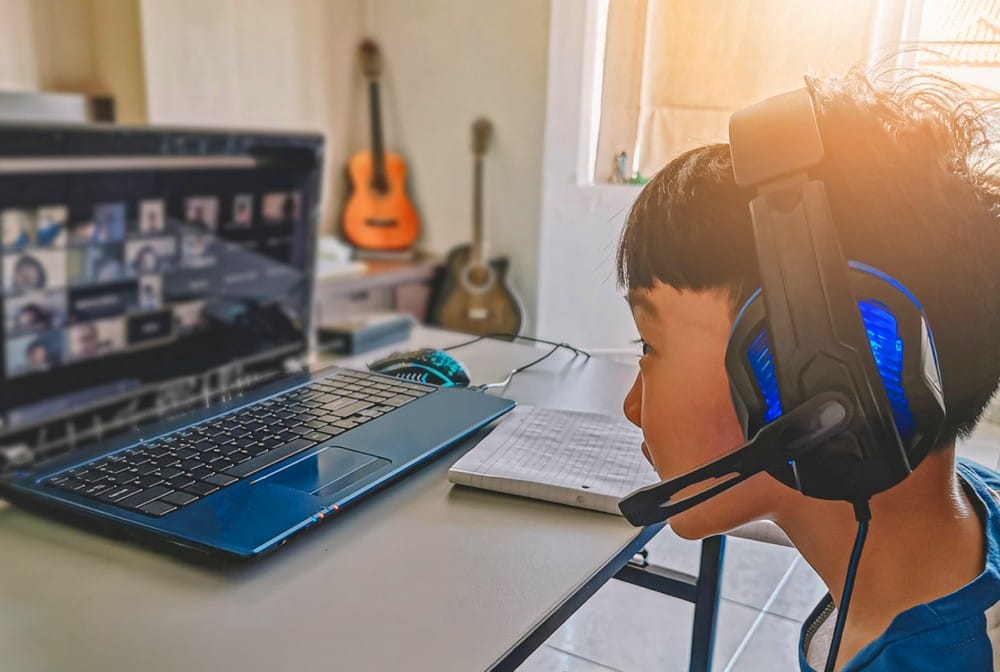

 Nosotros
 ¿Por qué elegir K12?
 Necesidades de seguridad
 Cómo triunfan los alumnos
 Preguntas frecuentes
 Escuela primaria en línea
 Escuela intermedia en línea
 Preparación para la profesión y la universidad
 Escuela secundaria en línea
 Clubes de estudiantes
 Servicios profesionales y universitarios
 Dentro del aula en línea
 El día a día
 Social y extracurricular
 Consejos, asesoramiento e inspiración
 Beneficios de por vida
 Inscribirse
 Todas las opciones de escuelas
 ¿Necesitas más ayuda?
Before enrolling your child in online school, parents should consider five key factors:
- Technology and internet access
- The home learning environment
- Daily schedule and routines
- Level of parental involvement required
- School accreditation, curriculum, and support services
Understanding these areas helps families choose the right program and prepare for a successful transition to online learning.
Choosing the right school for your child is one of the most important decisions you'll make as a parent. Online school offers flexibility and personalized learning, but it's different from traditional education in key ways. Families should understand the expectations for technology, daily routines, and parental involvement before making the switch. Online school requires more family involvement than traditional school, making preparation essential for success.
This guide explains what to expect and how to prepare. You'll learn about technology requirements, parent responsibilities, learning spaces, and the enrollment process so you can make a confident, informed decision.
Why Preparation Matters for Online School Success
Preparation is essential for success in online school since students learn at home and parents play an active role in daily support. Unlike traditional classrooms, online learning requires reliable technology, structured routines, and a dedicated learning environment. Online school works differently than traditional classrooms. Instead of dropping your child off at a building each morning, learning happens at home with you as a partner in the process. This shift requires planning and readiness.
Before enrolling, families should assess their readiness in several key areas to avoid disruptions and ensure a smooth transition. Find out ahead of enrollment if you have the right technology. Take the time to understand how much time you will need to dedicate as your child's Learning Coach (LC), and create a dedicated learning space that helps your child focus.
Most families should prepare in three core areas before enrolling:
- Technology and equipment needed for daily learning
- A structured home learning environment that supports focus
- Consistent daily routines to keep students on track
Preparing in these areas helps students transition more smoothly, stay engaged, and avoid common challenges during the first weeks of online school.
Technology and Equipment Requirements
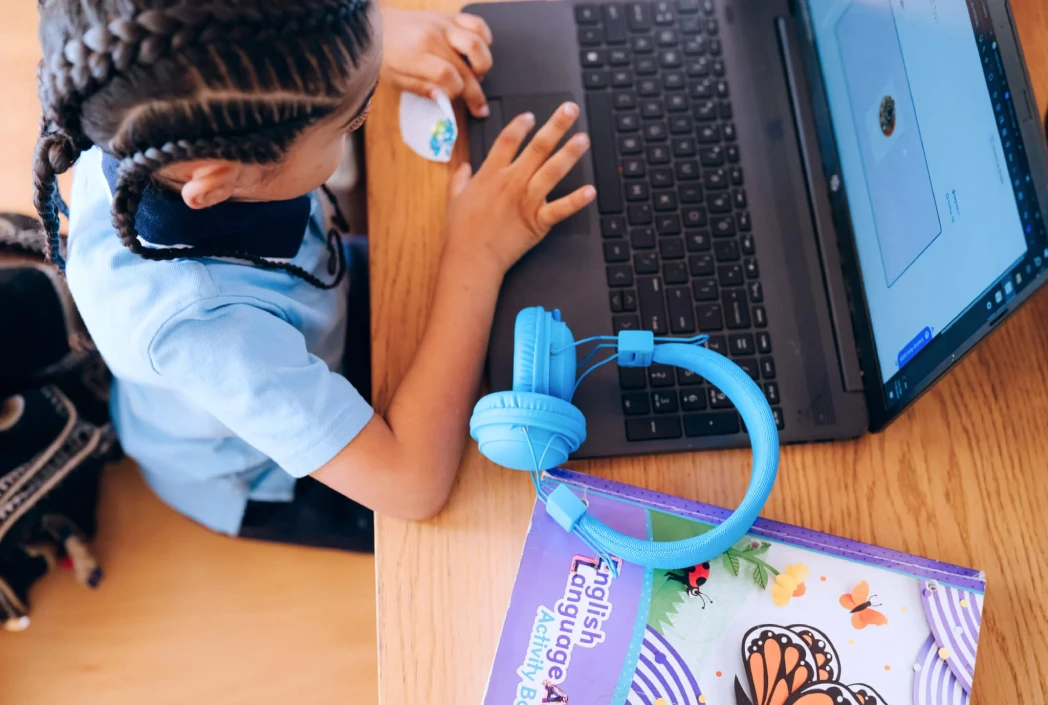
Online school depends on reliable technology to access lessons, participate in live classes and complete assignments.
Essential Technology Checklist
Most online schools require the following basic technology setup:
- A reliable computer or laptop that can run video calls, access online lessons, and handle basic schoolwork without interruptions
- Stable, high-speed internet that supports live classes, assignments, and multiple users if needed
- A webcam and microphone for participating in virtual classes and communicating with teachers
- A quiet, dedicated workspace to help your child stay focused and organized
Internet access is especially important. Research from the Pew Research Center shows that limited or unreliable connectivity can create significant barriers for students in online learning environments.
Software and Platform Access
Online schools use digital platforms that require compatible devices, browsers, and basic software setup. Before enrollment, ask your school which browsers work best and whether any special software needs to be installed.
In addition to core learning platforms, students benefit from tools that help them stay organized and manage their workload. Digital calendars can help track assignments and deadlines, while cloud-based storage tools ensure files are saved and accessible from any device. Note-taking apps can also support older students as they manage multiple subjects and responsibilities.
If your family doesn't have all this technology, don't let that stop you from exploring online schools. Many programs provide computers and internet assistance to families who need it. Ask about technology support during the enrollment process.
Parental Involvement and Time Commitment
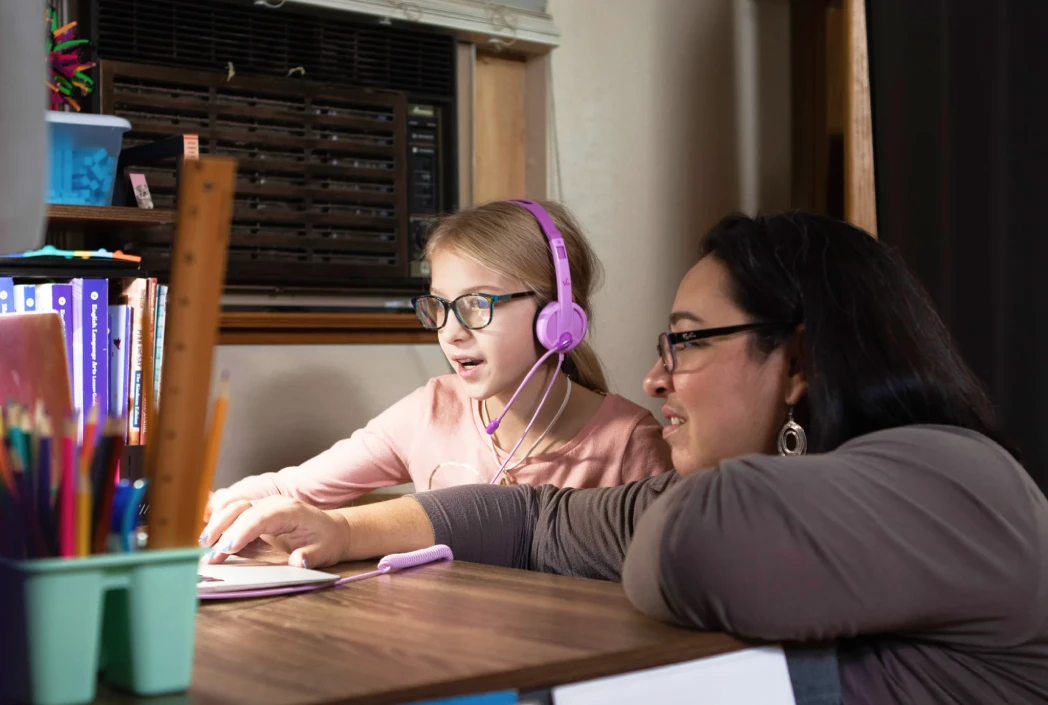
Parental involvement is a key factor in student success in online school, especially for younger learners. This means you'll be your child's daily support system, partnering with teachers to help your student succeed.
Parent responsibilities in online school may include:
- Helping students log in and stay on task
- Monitoring attendance and academic progress
- Comunicándose con los maestros
- Providing structure and daily guidance
- Assisting with basic technology issues
Parent involvement looks different at each stage of your child's education. Younger students typically need more hands-on guidance with logging in, following instructions, and staying on task. As students move into middle school, they begin working more independently, with parents providing structure, reminders, and occasional support. By high school, most students manage their daily work on their own, while parents focus more on monitoring progress, offering encouragement, and stepping in when needed.
Your responsibilities include making sure your child logs in each day, attending live classes with younger students, communicating with teachers, and helping troubleshoot technology issues. You'll also help organize materials, track attendance, and step in when your child struggles with a concept.
If you work from home, balancing your job with your LC responsibilities requires planning. Many working parents succeed by adjusting their schedules by starting work earlier or later to be available during key school hours. Building a support network also helps. Grandparents, other relatives, or trusted adults can assist on busy days. The first 4 to 8 weeks (about 2 months) typically require extra time as your family adjusts to new routines.
Wondering if online school is the right fit for your child?
Explore K12 schooling options to see how flexible schedules, curriculum options, and support services work for families like yours.
How to Create an Effective Learning Space at Home
A dedicated learning space helps students stay focused, organized, and ready to learn in an online school environment. It doesn't need to be a separate room, but it should be a consistent, distraction-free area where school happens each day.
When setting up your child’s learning space:
Choose a consistent, distraction-free location
A quiet area away from household traffic works best. This could be a corner of a dining room, a bedroom, or a home office.
Minimize noise, clutter, and distractions
Keep the space focused on learning by limiting noise, clutter, and unnecessary devices during school hours.
Set up comfortable, supportive seating
Choose a chair that allows your child to sit with feet flat on the floor and knees bent at a right angle. The desk should allow their arms to rest comfortably while working.
Position the screen properly
Place the computer screen at eye level and about an arm’s length away to reduce strain and support better posture.
Use good lighting
Natural light is ideal, but if that’s not available, use bright lighting that reduces eye strain and keeps the space well lit.
Keep supplies organized and within reach
Use bins, shelves, or simple organizers so your child can easily access what they need without disrupting their workflow.
As your child grows, their preferences may change. Younger students may benefit from a more inviting, hands-on space, while older students often prefer a simpler setup that supports focus. Letting your child have a say in how their space is arranged can help them feel more comfortable and motivated to learn.
A consistent and well-organized learning space can improve focus, reduce distractions, and help students build effective daily habits.
Understanding the Enrollment Process
The online school enrollment process typically includes the following steps:
- Submit an application
- Provide required documents (age, residency, immunization records)
- Complete placement testing if required
- Attend orientation sessions
- Withdraw from your current school (if applicable)
The enrollment process can take several days to a few weeks, depending on how quickly you are able to submit the required documents.
Most online schools require the following documents:
- Proof of age (birth certificate or passport)
- Proof of residency (utility bill, lease agreement)
- Registros de inmunización
- Previous school records (report cards or transcripts, if applicable)
After submitting your application, the school may schedule placement testing to ensure your child is in the right courses, especially for math and world languages. Orientation sessions introduce you to the learning platform and explain how online school works. These sessions are crucial because they teach you how to navigate the system and what to expect.
If your child attends a traditional school, remember to withdraw them before starting online school. Submit a withdrawal form to your current school, confirm your child's last day, and request that records be sent to the new school. This prevents truancy issues and ensures a smooth transition. Start the enrollment process early to secure your child's spot and receive materials before the first day.
Key Questions to Ask Before Enrolling
Before enrolling your child in online school, ask these key questions to determine if it’s the right fit for your family:
Questions to ask about your family’s readiness:
- Why are we seeking an alternative to traditional school?
- Can we dedicate the necessary time each day to support our child’s learning?
- Does our home have a suitable learning space and reliable technology?
- Is our child self-motivated and able to work independently, or will they need significant support?
- Are we comfortable using technology and learning new digital platforms?
Questions to ask the school before enrolling:
- Is the school properly accredited by recognized organizations?
- What are the teacher qualifications and student-to-teacher ratios?
- How does the curriculum align with state standards?
- What support services are available, including tutoring and special education?
- How much flexibility does the schedule offer?
- What opportunities exist for socialization and extracurricular activities?
These questions help families evaluate readiness, compare programs, and make informed enrollment decisions. Honest answers to these questions can help you determine if online school is the right fit. Consider your child's learning style, your family's capacity to support at-home learning, and whether the school's approach matches your educational goals. There's no one-size-fits-all answer. The best choice depends on your unique situation.
Taking the Next Step with Confidence
Preparing for online school involves evaluating your technology, your schedule, your learning environment, and the level of support at home. Preparation plays a critical role in a successful transition to online school. By understanding technology requirements, time commitments, and enrollment steps, you're setting your family up for success.
Take the time your family needs for an honest assessment. Make sure you have the equipment, space, and schedule to support your child's learning, and don't be afraid to ask schools the tough questions about accreditation, curriculum, and support services.
With the right preparation and mindset, online learning can provide the flexibility and personalized education your child needs to thrive.
If online school aligns with your child’s needs and your family’s schedule, the next step is to explore available programs and begin the enrollment process. Learn more about K12 and how to get started.